HU885120

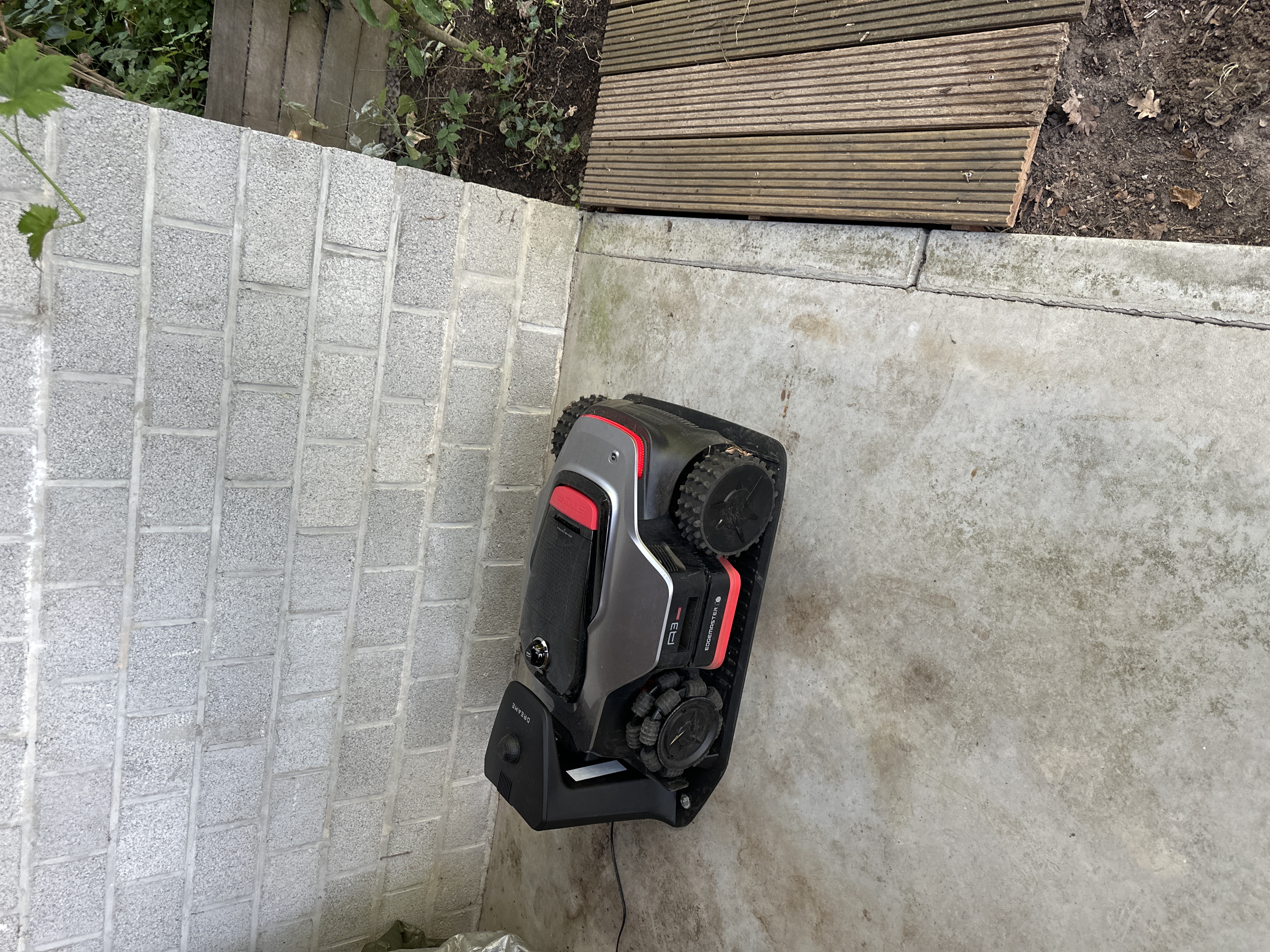
[A3 AWD Pro] I am confused by this robomower…

Installed the mower , got it charges and made one manual zone and one auto detected zone. Mows these zones ( which form only a part of the garden) correctst. Adding additional zones and paths is a basale as the auto detect doesn’t work for the remainder of my garden. Any suggestions?

Remaining frustrated by this device
Vous devez vous connecter pour répondre. Connexion | Register

2 Commentaire

Hi,

I can understand the frustration — the mapping process isn’t particularly intuitive when you have several separate lawn areas.

One important point: Auto Boundary Detection only works for detecting the boundary of a lawn area. It does not automatically create paths between different zones.
For the remaining parts of your garden, I would try the following:

• Go to Map Editing → Set/Add Zone and remotely drive the mower to the next lawn area.
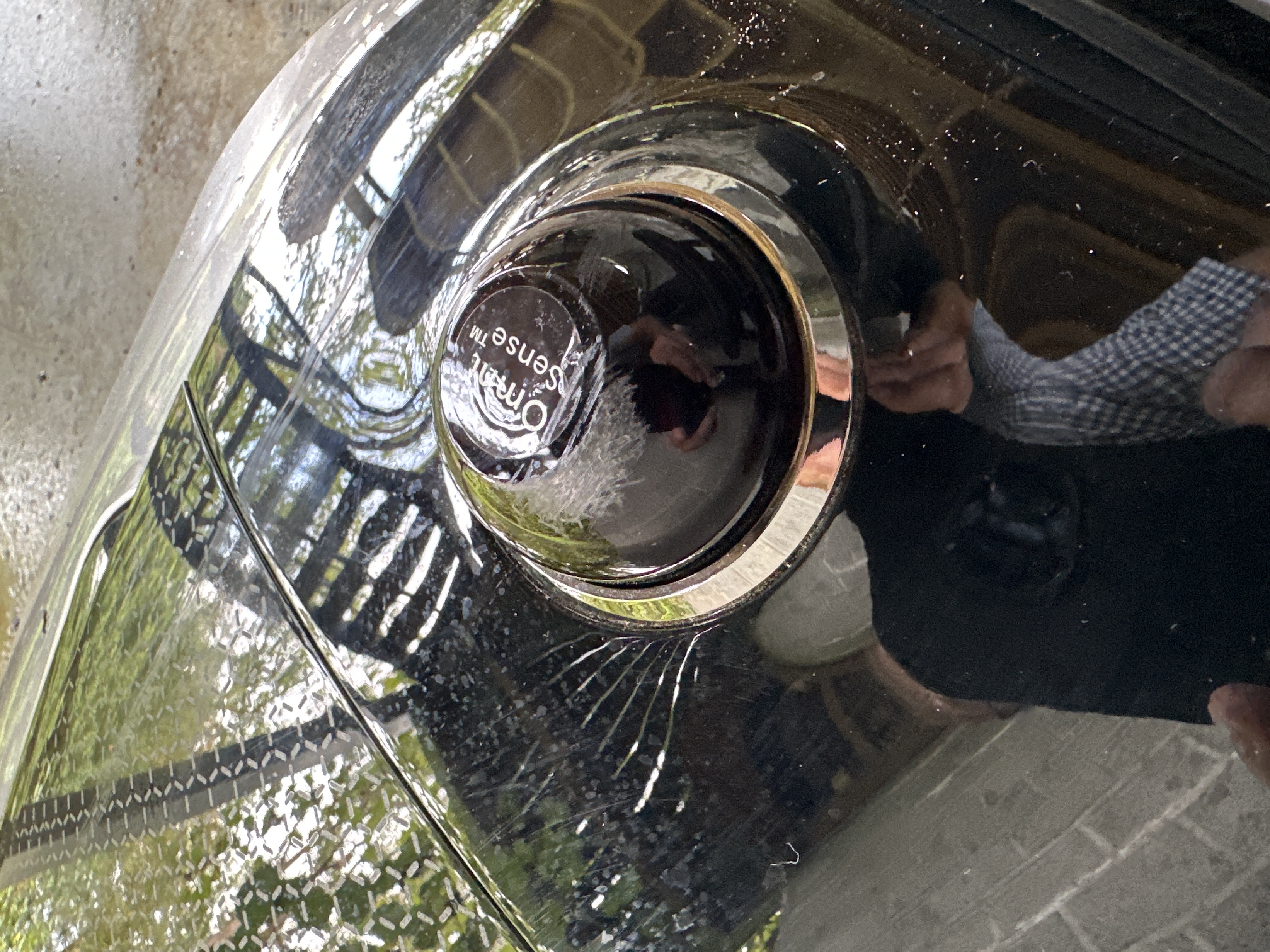
• Set the starting point and try Auto Boundary Detection again. It works best in daylight, in dry conditions and with the front camera clean. If it struggles with a particular boundary, simply switch to manual remote control and finish that section yourself.
• Once the new lawn zone has been created, use Map Editing → Set Path and manually drive the mower along the route connecting the two zones. The path has to be created manually; Auto Boundary Detection cannot do this.
• Repeat this process for each additional lawn area.

Also, if a new zone overlaps an existing zone, Dreame says it will automatically merge with it. If it does not overlap, you need to create a path between the two.
If two parts of your garden are physically separated and the mower cannot travel between them at all, the A3 AWD Pro can also support two individual maps rather than trying to include everything as zones on one map.
So I wouldn’t necessarily assume there is something wrong with your mower yet. I would first forget about getting Auto Detect to map the whole garden: create each difficult area manually and then connect the separate areas with Paths.
Hello,

This model supports a maximum of two maps. If you would like to add more areas, you can try expanding the map by selecting "Add Area" in Map Editing.

If the newly added area does not overlap with the original area, a passage will need to be created to connect them. If the newly added area overlaps with the original area, it will be automatically merged with the original area.
UID:HU885120 BE
  • 1Messages
  • 0Amis

© 2026 Dreame Forum All Rights Reserved | Support by Discuz! X5.0 Font by MiSans

Réponse rapide Retour en haut Retourner à la liste